Hello @shodanx Welcome to Jami community. Which version of Jami is affected by that challenge?
If you’re not familiar with finding the version. At the bottom centre of almost all pages, click on About Jami button. A window will open. The version number is under Euclid. On the right side of that Euclid, there is a useful copy button. For example:
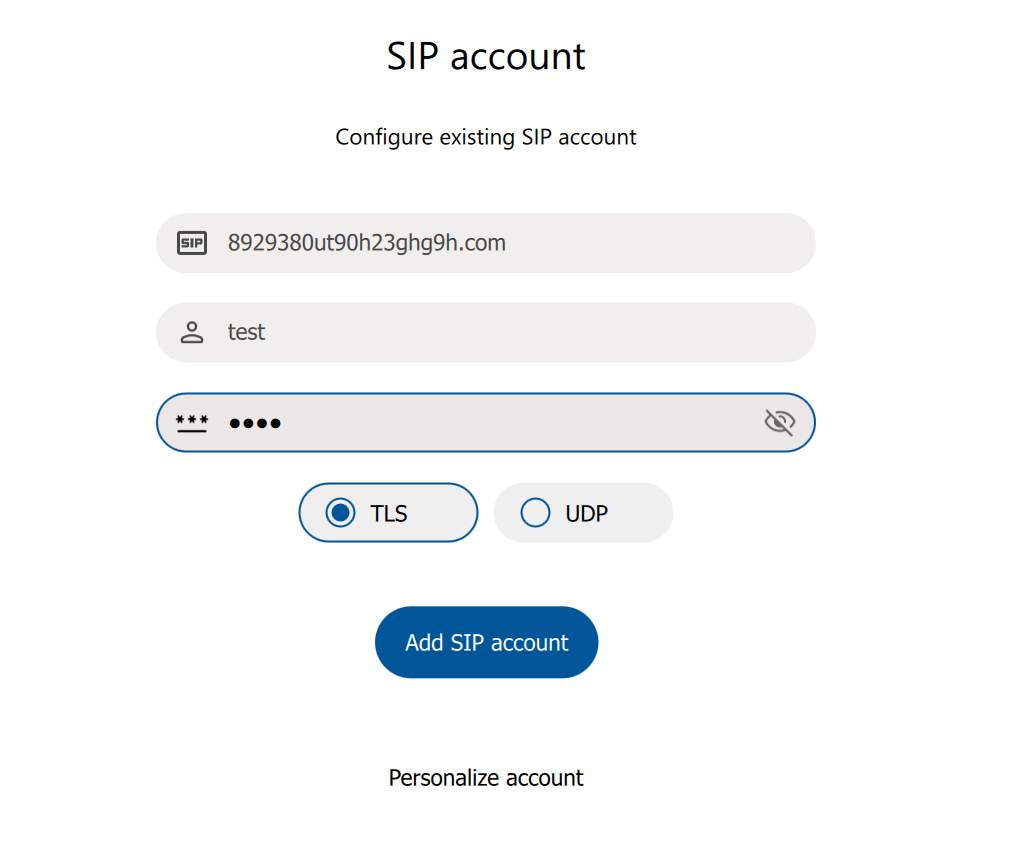
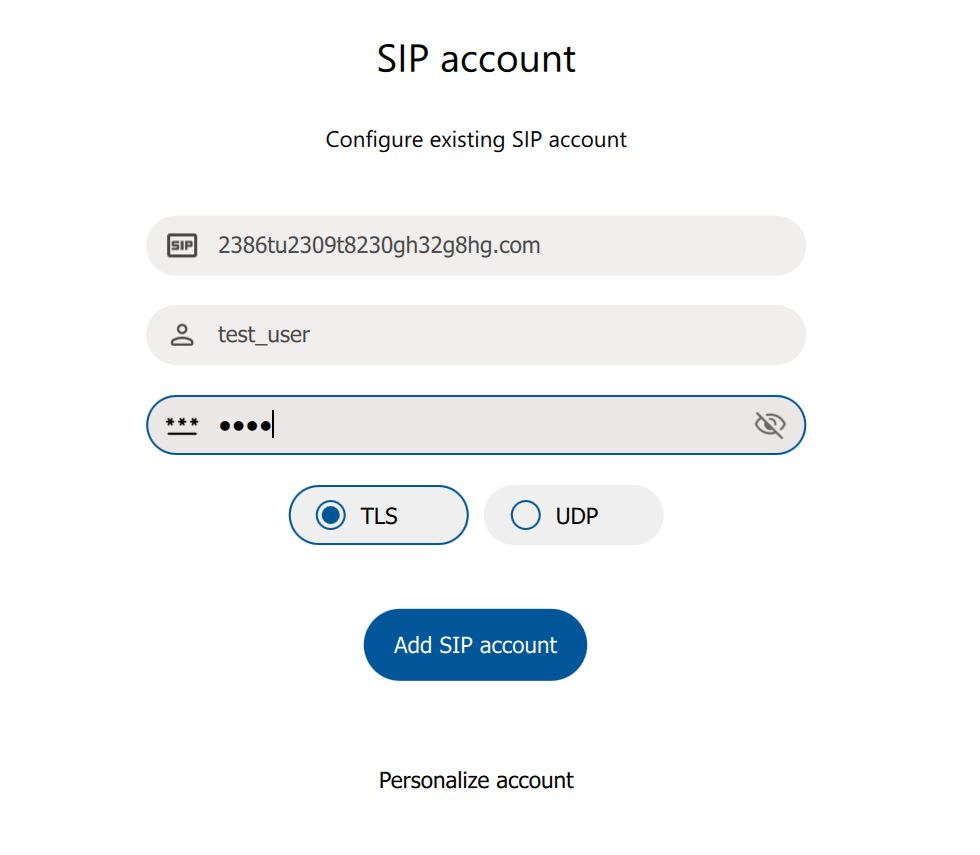
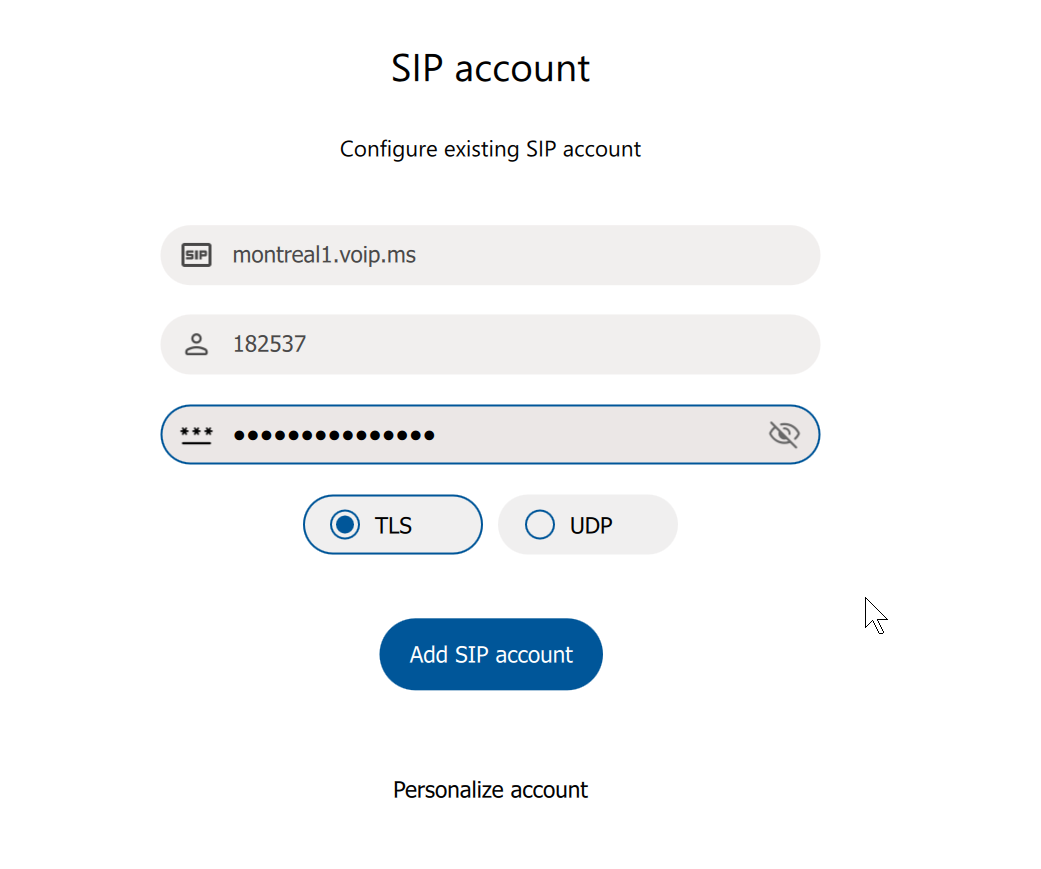
@shodanx We were facing a similar challenge here. For you consideration, when configuring Jami SIP, I suggest double-checking that you use only valid characters. I mean valid from the point of view of Jami SIP. Any invalid character(s) risk to result in Jami crashing and exiting. This temporary resolution worked for us.
For example, but not limited to, if you use the SIP fields TURN address or STUN address or all other configuration text fields in all Jami configuration pages.
Below is an example for one SIP field titled TURN address.
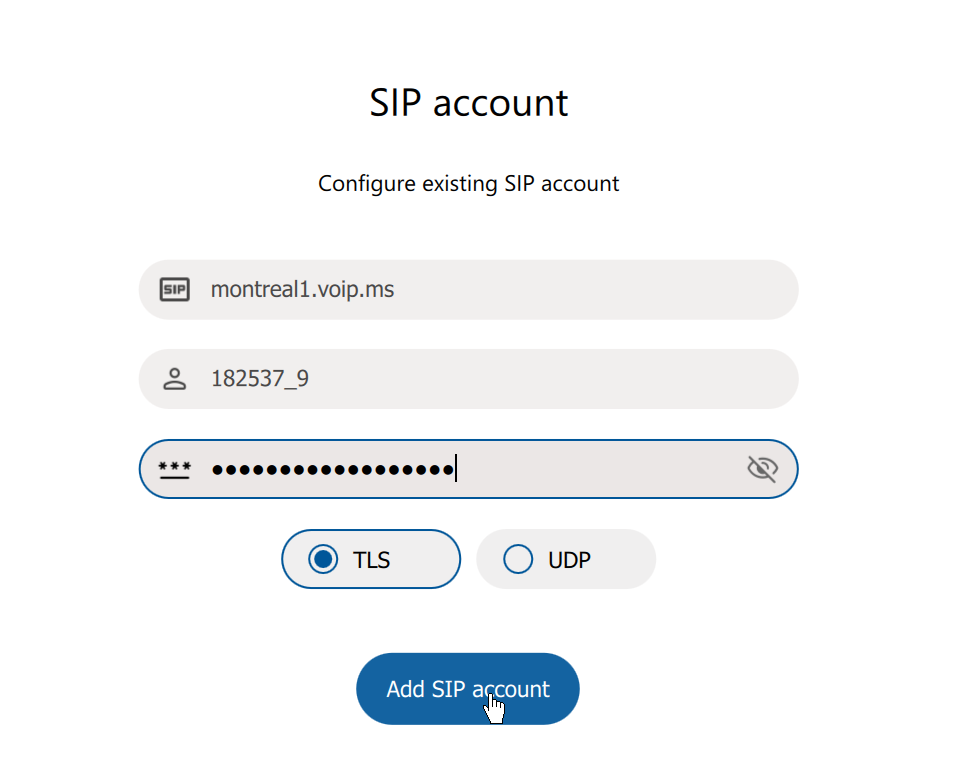
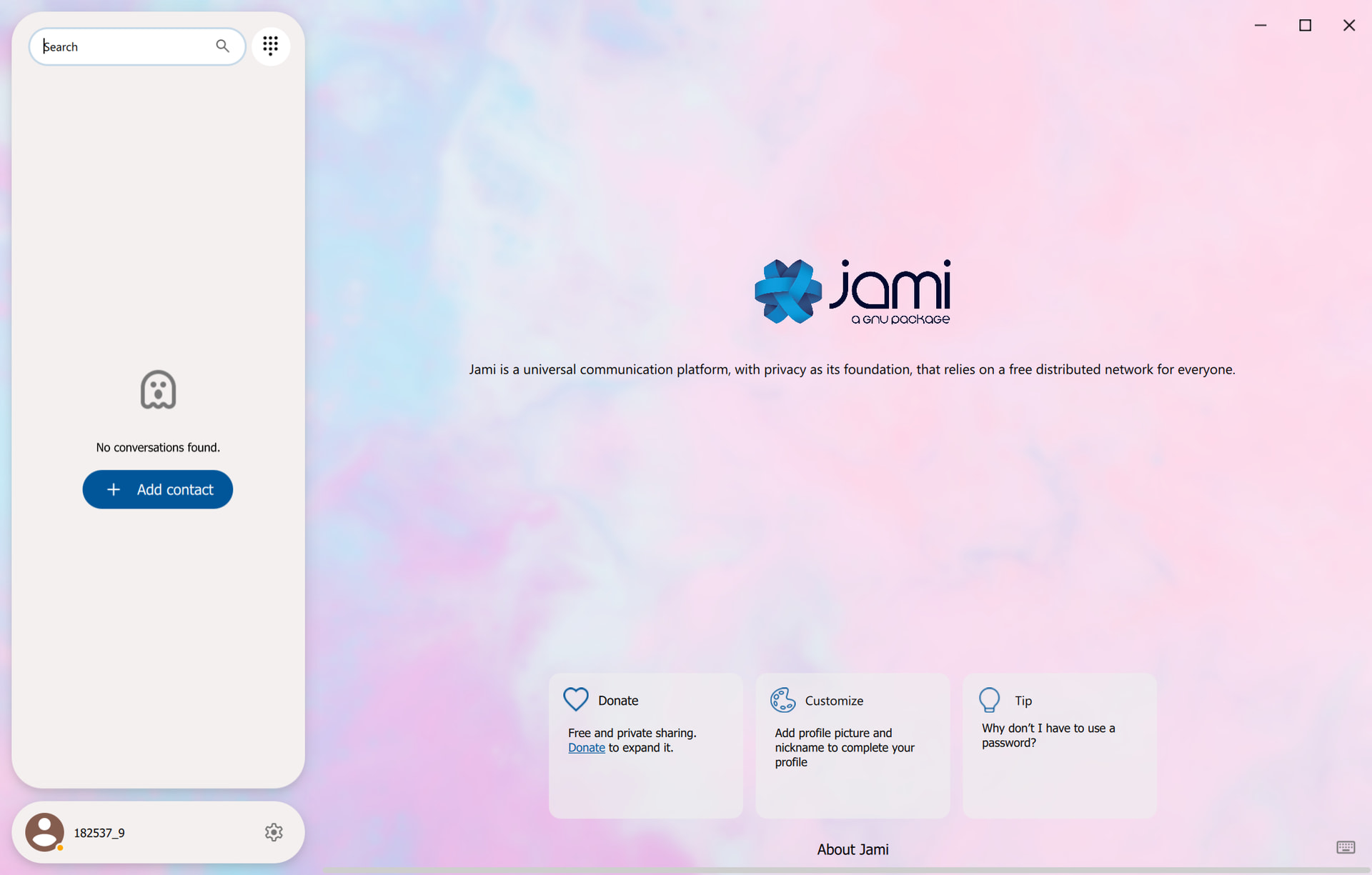
So it seems the problem I have is that my SIP DID provider, which is voip.ms, only allows subaccounts that are the account number followed by underscore followed by a unique identifier.
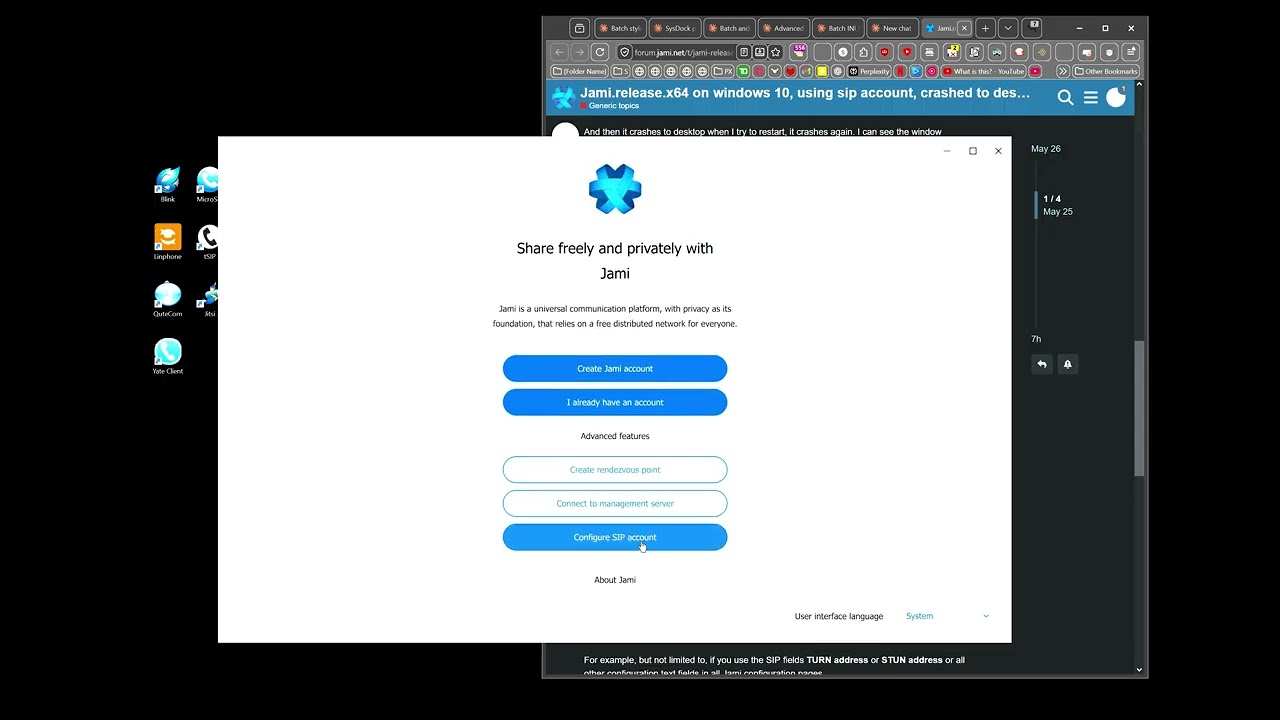
I created a video from fresh setting wipe to crash
This forum does not accept .mp4 files, so I have posted it on youtube.
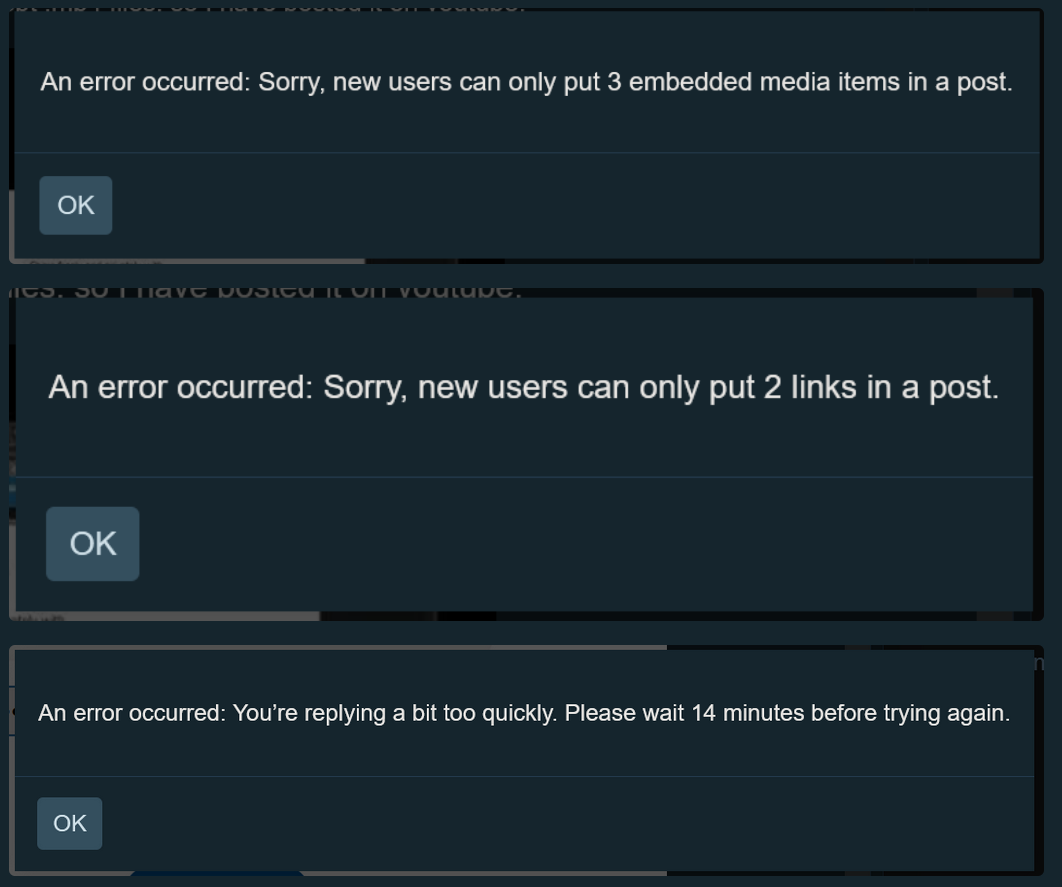
I do not know what is causing this. Maybe new forum.jami.net accounts are limited to prevent evil-bot-spam. They are heavily targeted by evil-bots.
I recall that after I created my forum.jami.net account, many of my comments were blocked. Mostly those including links. Then restrictions were slowly removed as time go.
Good idea to publish your video externally
In my case, to resolve some limitations are:
When my forum.jami.net comment were blocked, I needed to take a screenshot of it. Then, attach it to my comment on forum.jami.net with only a text message that read: “Find my reply in the attached image”.
Merge my comments. For example, instead of posting 3 comment, I post one comment which combine my three comments. For easier reading I add one horizontal line between each of my merged comment.
Those limits are inconvenient. But are very successful at reducing interferences from bots allegedly controlled by people with Evil behaviours.
Have you tried UDP instead of TLS? In our case, when appropriate, UDP is more successful and more stable than TLS.
If you are not familiar with UDP and TLS:
After the SIP account is created in Jami, this setting is under “Account” —> “Advanced Settings”
With UDP your audio is sent to your SIP supplier without initial handshake and ongoing checks during the SIP call. In other words, during the call, if either the handshake or any one of the ongoing checks fails, your audio will continue to be sent to your supplier. But as you probably know, the call is not encrypted. So weaker privacy. By “supplier” I mean any supplier to your liking. For example WWW.VoIP.Ms
The challenge with TLS is that if either the initial handshake or any one of the ongoing checks during the call fail, then the connected is either partly lost or fully lost. But the call is encrypted. So stronger privacy.
@shodanx Two more things below. Which might either resolved a few challenges or narrow down the cause of your challenge.
Add Free STUN Server
Depending on the device and network, is when appropriate, add any STUN server to your liking.
For example, using Jami, under “Account” —> “Advanced Settings”, activate “Use STUN”. Then add this free and unlimited STUN server stun.relay.metered.ca
I do not know if stun.relay.metered.ca is the correct format for Jami. I am assuming that, for this STUN field above, Jami uses port 80 by default. I know that the format stun:stun.relay.metered.ca:80 would fail. stun:stun.relay.metered.ca:443 would also fail. Because on save, Jami would crash and exit. Maybe because of this challenge.
Another possible resolution, is when we install, configure, and test Jami, we open only Jami. We double-check that only Jami is launched and active. Fully exit all other SIP software. Otherwise, if two or more SIP software are launch at the same time, it is risky that another SIP software could interfere with Jami. Such as, but not limited to, intercept incoming data or lock port(s). Some SIP software look fully exit. But are still in memory. To resolve this challenge we used force exit with a system monitor. Or restart the device.