Visual echoes in Sharing

I have just begun using Jami, it looks good but there is one problem I cannot fix. When I attempt to share my screen I get multiple visual echoes! Not just one page, many pages tiled on each other. Image attached.

This is obviously a serious problem. I cannot actually share the screen material I want.
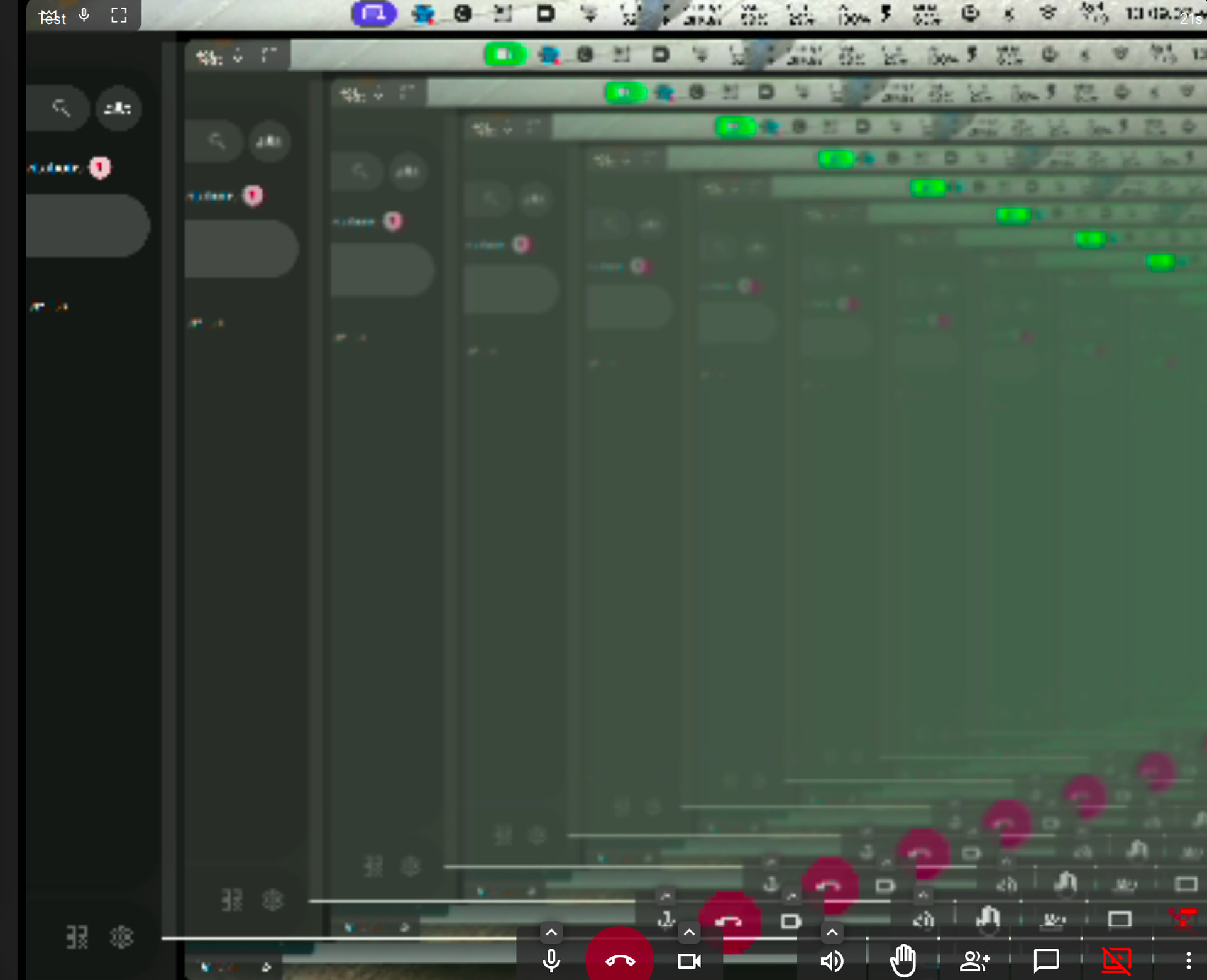
Is there a fix? Any help appreciated.

The following is a list of three different solutions.

  1. Minimize the Jami window.
  2. If you have multiple displays, share a display that does not have the Jami application open.
  3. When in a call:
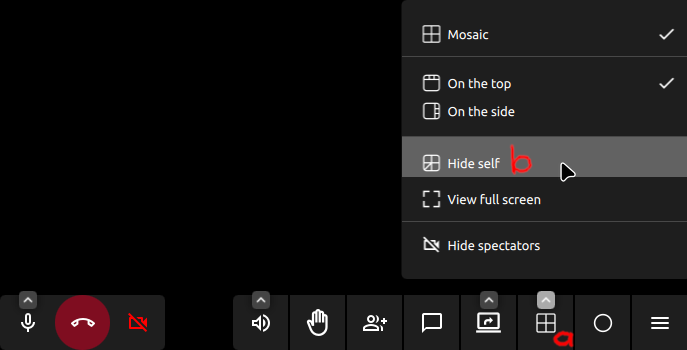
    (a) Click the Layout settings button.
    (b) Click the Hide self button.

Do these help?


Please click the following link to donate to the Jami developers.

Thank you

It seems that you haven’t set the range of the shared window correctly; if you do that, this problem would naturally disappear.