Good day, can’t find any volume adjustments of ring, its too loud. Ajustments in phone sound settings menu has no effect in Jami only. Some dependancies can be lost, what dependancies? What dependancies has Jami in Android 8.1?
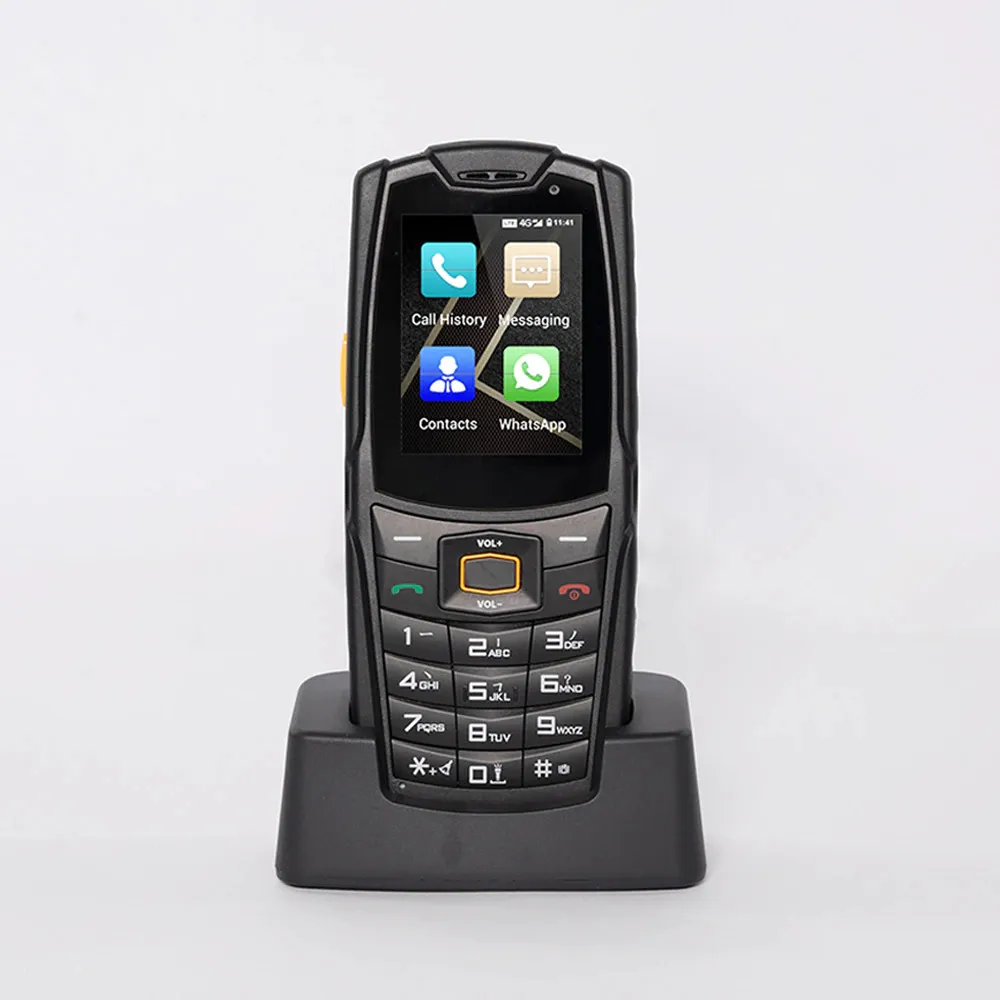
Blind old person using this phone, one only big side button makes it real, the button is remapped to get income calls via Telegram. The phone has charging base, so easy for person use it. As I wrote earlier “Ajustments in phone sound settings menu has no effect in Jami“, it has no effect in Jami only, all other messengers works fine.
In addition, there is no default system ring option, the option for custom ring can’t navigate to /system/ dirrectories due to restrictions. So it’s impossible to make Jami ring like a system, no easy way. I don’t want to extract system ring and edit it in some sound editor like Audacity to adjust proper volume level.
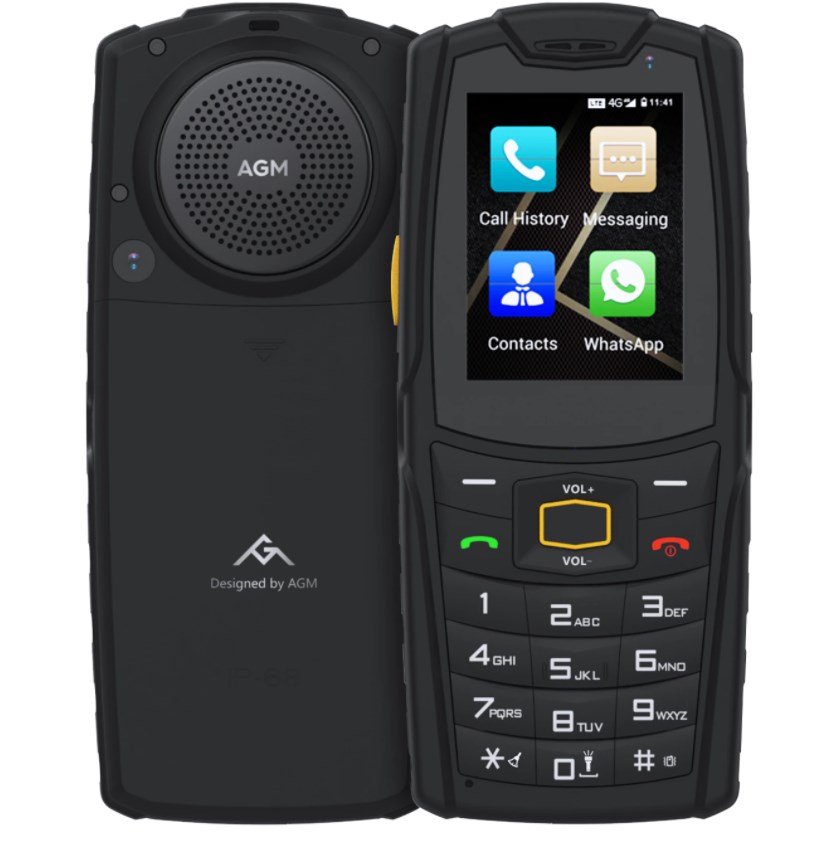
So Jami has a bug with switching between “music“ speaker and small front ear speaker. The big “music“ speaker (biggest in the world) is always on full volume can’t be adjusted and it is not switched off when talk started. The only way to get it off is push speaker icon in the left down corner after call recieved.
I’ve edited the rington in Audacity, get volume of the ring reduced 20dB - half let say, but rest sounds can’t be adjusted.
Any body has idea where Jami keeps settings? The phone (AGM M7) is rooted, so I could change some audio settings.
No any good changes, so far. F-Droid version 20260306-01 489, same and even worse, no ring sound at all, on Android 8.1, vibration only. The latest ringing version is 20251215-02 479, but volume of ring is extremely high, non system and not adjustable, so far.